
Direct, local connectivity between Windows & Android
Flash Connect mirrors your Android screen to Windows, transfers files, and syncs clipboards directly over your local Wi-Fi or Ethernet. Absolutely no cloud servers, no account registration, and zero trackers.
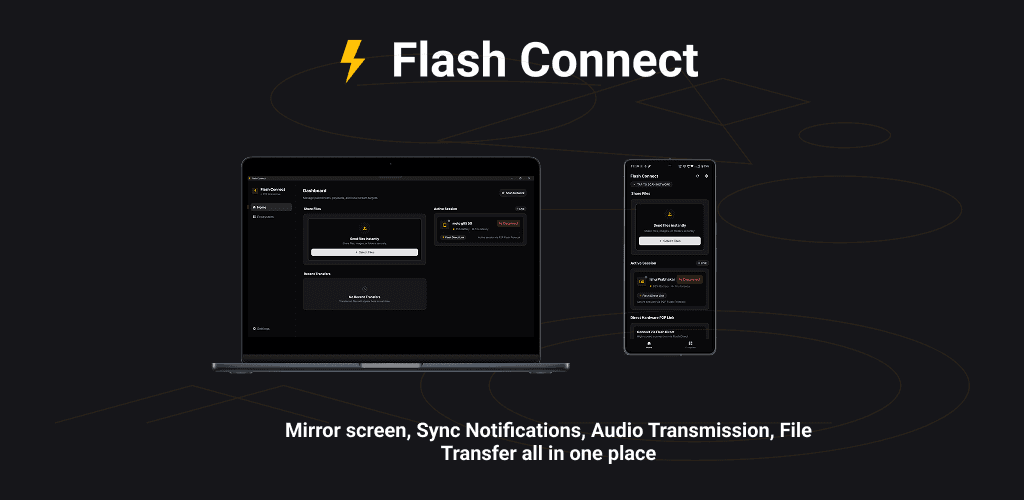
Built for performance. Hardened for privacy.
Flash Connect delivers only the essentials for instant, hassle-free connections. No unnecessary features—just fast, reliable performance. Everything runs entirely on your local hardware. No remote relays. No server bottlenecks.
Screen Mirroring
Mirror your Android screen to Windows in real-time with sub-frame latency for presentations, gaming, and app testing.
Audio Streaming
Route high-fidelity system audio from your Android device directly to your PC speakers over high-bandwidth local sockets.
Notification Sync
Receive, view, and dismiss incoming Android notifications directly from your Windows system tray instantly.
Clipboard Sync
Instantly copy text or links on one device and paste them on the other, utilizing encrypted local network transactions.
File Transfer
Send files, folders, and documents at maximum local Wi-Fi speeds without cloud upload bottlenecks or size caps.
Call Management
Initiate, accept, or decline phone calls directly from your desktop through synchronized local Bluetooth and Wi-Fi handshakes.
See Flash Connect in Action
Watch our quick demo to see how simple it is to pair devices, mirror screens, and stream audio with zero configuration.
Why Peer-to-Peer?
Conventional connectivity apps route your keystrokes, clipboard records, and files through external cloud servers. This introduces network latency, consumes internet bandwidth, and leaves your private data vulnerable to cloud outages and data breaches.
Flash Connect establishes direct, peer-to-peer TCP/UDP connections strictly on your local subnet. The communication occurs locally between devices.
- ✓ No user registration required
- ✓ Functions fully without internet access
- ✓ Zero server overhead or size caps
Data Routing Architecture
Keystrokes, files, and notification data route through remote servers before reaching your computer.
Direct connection. No cloud path. Sockets bind on local network interfaces for maximum speed and absolute isolation.
Refining through Feedback
We shape Flash Connect based on direct feedback from our closed beta testers. We are currently tuning system performance, battery usage patterns, and Bluetooth audio sync. If you are participating in the preview, please send bug logs and feedback directly to our support channel.
Get Started with Flash Connect
No account creation needed. Download the client for Windows and the companion app for Android, connect to the same Wi-Fi network, and pair instantly.
Compatible with Windows 10/11 (x64) and Android 9.0+. Verified malware-free.
Android App Bundles (.aab) cannot be installed directly via standard Android package installer. You can install it using one of these methods:
- Installer Apps: Use apps like SAI (Split APKs Installer) or BundleTool app from Play Store to select and install the
.aabfile directly on your device. - Via PC (bundletool): Convert & install via ADB command:java -jar bundletool.jar build-apks --bundle=flash_connect_v1.0.3.aab --output=app.apks --mode=universal && java -jar bundletool.jar install-apks --apks=app.apks